Skip to main content
 Mistakes to avoid on your VAT returns
Congratulations - you’ve grown your business and you’re bringing in the big bucks. However, when your business turnover reaches the Value Added Tax (VAT) registration threshold - currently £90,000 over 12 months - life as you know it may be about to change. Once you’ve registered your business, you’ve got to add VAT to all your VATable sales, file VAT returns and then, typically, pay HMRC the difference between the VAT you’ve charged on sales and the VAT you can reclaim on costs.
If that sounds complicated - you’re right, it can be! So to keep yourself and your accounting correct, here’s a guide to help you avoid some of the most common VAT mistakes.
Using the wrong VAT rate
Most goods and services in the UK are subject to the standard rate of VAT, which is currently 20%. However, certain types of goods and services are either zero-rated or subject to the reduced rate (currently 5%). If you record the wrong rate of VAT for some sales or costs, you could end up paying the wrong amount of tax.
If you’re not sure which rate applies to which item, check for specific items in HMRC’s list of VAT rates for different goods and services - or speak to an accountant or bookkeeper.
Forgetting to add VAT to invoices after you’ve applied for your VAT number
When your business applies to be registered for VAT, you have to tell HMRC the date you want to be registered from. Then you must add VAT to all invoices from that date.
However, there’s a complication. You won’t receive your VAT number from HMRC immediately, it can take weeks. While you wait for your VAT number, there will be a period when you’ll technically need to charge your customers VAT but you won’t be allowed to show VAT separately on your invoices. If you just issue invoices as normal, without adding anything for VAT, the amounts you charge your customers will be too low. To fix this, you’ll have to manually edit every invoice you’ve issued between registering and receiving your VAT number, and then send the new invoices to your customers.
Thankfully FreeAgent has a simple solution. As soon as you’ve applied to be VAT registered, go into your VAT registration settings and add the date you’ve applied to be registered from. Then FreeAgent will take over, automatically adding an extra 20% to the value of any invoices issued after your registration date.
Once you get your VAT registration number, it’ll be easy to re-issue those invoices to your customers - the total will be the same, but these will show your VAT number and split out the 20% as a separate VAT line. Much faster for you, and much less confusing for your customers - not to mention saving you having to go back and ask for more money!
Getting your dates confused
Businesses in the UK typically have to file VAT returns quarterly. HMRC will assign you dates for your VAT quarters when you register, usually one of the following three cycles:
- 1st Jan - 31st Mar, 1st Apr - 30th Jun, 1st Jul - 30th Sep, 1st Oct - 31st Dec
- 1st Feb - 30th Apr, 1st May - 31st Jul, 1st Aug - 31st Oct, 1st Nov - 31st Jan
- 1st Mar - 31st May, 1st Jun - 31st Aug, 1st Sep - 30th Nov, 1st Dec - 28th/29th Feb
A business may request a different quarterly cycle if they would prefer, for instance if they want to have a VAT deadline that matches their accounting year end.
If you try to make a submission for dates that don’t match up with your VAT accounting periods, your return will be rejected by HMRC and won’t count as filed. The good news? If you’re using FreeAgent, you’ll see an error message that says ‘HMRC aren’t expecting this VAT return’. We’ll also remind you when your next open VAT period is.
Not sure when your VAT periods are? You can find your assigned VAT accounting periods by logging in to your HMRC account.
Mixing up your accounting basis
Businesses can file VAT returns using invoice accounting, or using the cash accounting scheme. Whichever one you choose, make sure you’re consistent. Following the rules of the other accounting scheme on one of your returns can result in you paying too much, or too little VAT. (To learn more about the difference between invoice accounting and cash accounting, and which one is right for your business, see our guide.)
If you’re using invoice accounting, you must pay HMRC the VAT on any invoices issued in that VAT period, regardless of whether you’ve been paid for those invoices yet.
Under cash accounting, you only have to pay VAT to HMRC for the payments you’ve received in that VAT period.
Note: cash accounting can only be used by businesses with VATable sales under £1.35 million (see the full eligibility criteria here).
If you forget which accounting scheme you used last time, you could end up paying VAT twice on the same invoice (if it was issued in one VAT period but paid in the next). Or you could fail to pay VAT on the invoice altogether.
Before you file a VAT return, make sure that you’re using the right accounting scheme (probably the same you used last quarter) by checking your VAT return settings in FreeAgent and checking the dates that your invoices were actually paid.
Claiming for more pre-registration costs than allowed
When your business registers for VAT, you are allowed to recover the VAT on some goods bought in the four years before you registered, and on some services you used in the six months before you registered. What you can’t do is claim VAT on every expense and bill you paid VAT on for the previous four years. It’s important to check HMRC’s restrictions.
To claim back VAT:
- goods can have been bought in the previous four years but you must still have them at the date of registration - this means that used consumables like stationery cannot be claimed
- services can only have been supplied up to six months before the date of registration
Before you claim any VAT on pre-registration costs, make sure you fully understand which expenses you’re allowed to reclaim VAT on. If you’re not sure, it’s best to speak to an accountant.
Misunderstanding the Flat Rate Scheme
The Flat Rate Scheme is a different way for small businesses to work out how much VAT to pay HMRC. Rather than paying the difference between the VAT you charged your customers and the VAT you reclaimed on costs, under the Flat Rate Scheme you pay a percentage of your total sales to HMRC as VAT.
There are a few key mistakes you can make with the Flat Rate Scheme:
- thinking you need to pay the percentage of your sales excluding any VAT you charged to your customers - in fact, you calculate the percentage of your sales including any VAT (this will be a higher figure)
- getting the flat rate percentage for your business type wrong - HMRC has a full list of flat rates by business type
- forgetting to change your Flat Rate Scheme settings if you move onto the Flat Rate Scheme or leave it and move back to using standard VAT calculations
The Flat Rate Scheme can be complicated! We have a detailed guide to the differences you’ll see on your VAT return, but if you have more questions, it’s worth speaking to an accountant or bookkeeper.
Doubling up your VAT
In FreeAgent, once you’ve created an invoice with VAT-rate items included, that information will automatically pull through to your VAT return. When your customer pays you, all you need to do is match the bank transaction to the invoice you’ve already created. This will make sure your accounts are accurate.
Where you might get tripped up is if you see the money come into your bank account and explain it as ‘Sales’ in FreeAgent, without matching it to an invoice. If you do that, FreeAgent cannot know the money belongs to an invoice, so it will record your VAT twice - once from the invoice and once from the receipt - which will result in you paying too much VAT when you file your return.
Claiming incorrect VAT on a previous return
Sometimes you might look back and realise you’ve reclaimed too much or not enough VAT on a cost - but the return is already filed. It’s easily done.
You can correct your mistake in FreeAgent - but you shouldn’t correct your already-filed return. What you need to do is to go back and fix the mistake on the original transaction. Our clever software then knows to fill in the corrected VAT amounts on your next return to HMRC.
For example, you may have entered a cost for £600 including 20% VAT, and reclaimed £100 on your last VAT return - only to realise afterwards you weren’t allowed to reclaim that £100. Go back and edit the original transaction of £600. FreeAgent leaves the £100 reclaim on the filed VAT return, as required by HMRC. Then, on the next VAT return, we reduce the amount you’re reclaiming by £100, to compensate for what was actually an over-reclaim in the last return. Now you’re all square with the taxman.
Forgetting to renew your HMRC connection when it expires
Your VAT connection to HMRC only lasts for 18 months before you need to renew it. If you forget, you’ll find you’re not able to file VAT returns through your software.
In FreeAgent, keep an eye out for the ‘Expiring soon’ label in the HMRC Connection box, and then click ‘Update connection’ to reconnect to HMRC. You can see the simple steps in our help article.
Take the hard work out of VAT returns with FreeAgent
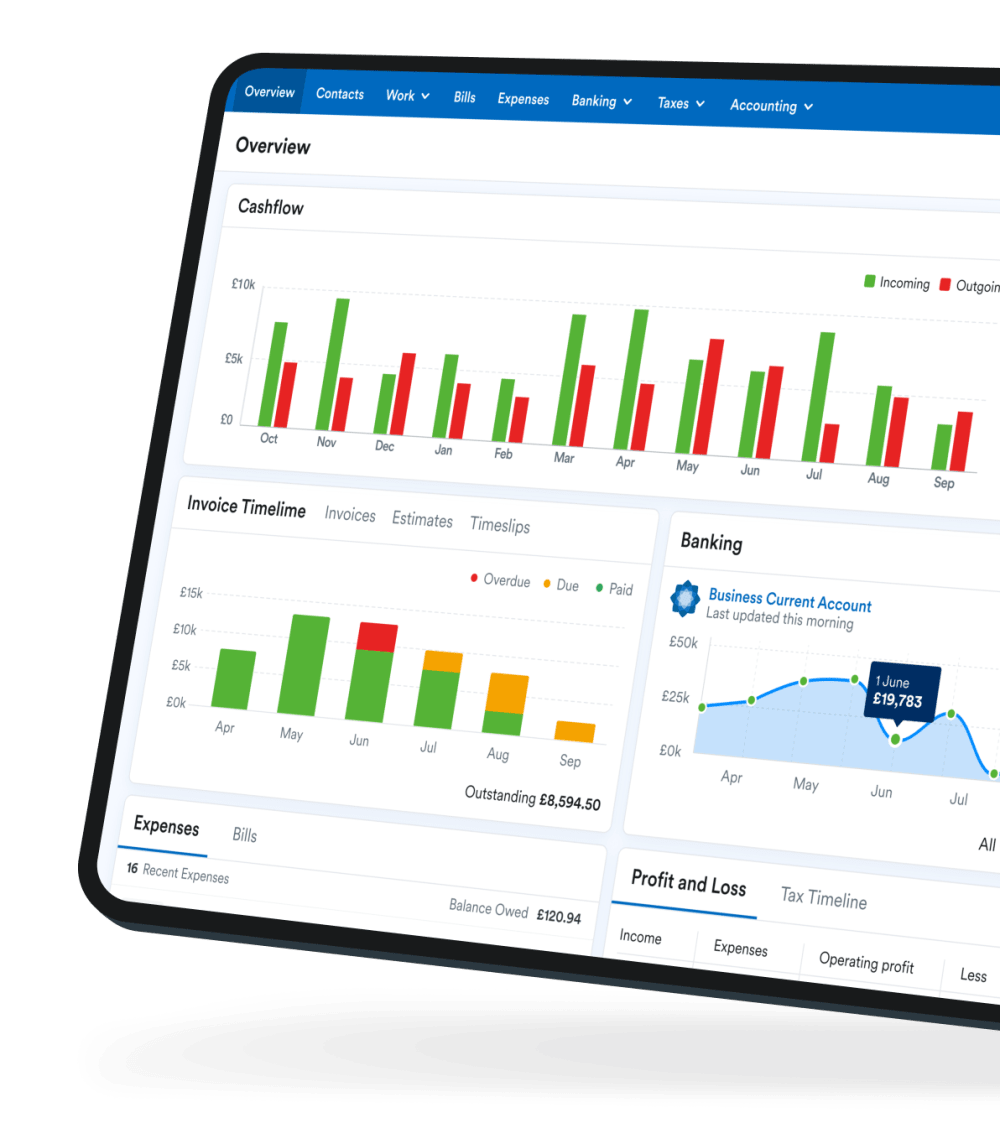
Reduce the likelihood of making mistakes by using software for your everyday accounting. FreeAgent generates and fills out your VAT returns automatically as you send invoices and add costs.
Find out more about VAT in FreeAgent and how much more it could help the day-to-day running of your business.
Disclaimer: The content included in this guide is based on our understanding of tax law at the time of publication. It may be subject to change and may not be applicable to your circumstances, so should not be relied upon. You are responsible for complying with tax law and should seek independent advice if you require further information about the content included in this guide. If you don't have an accountant, take a look at our directory to find a FreeAgent Practice Partner based in your local area.
18th February 2026